

Create Parser: test, then download
This is the fourth and final Auto Parser stage. The normal user should not edit Ruby or configuration text here.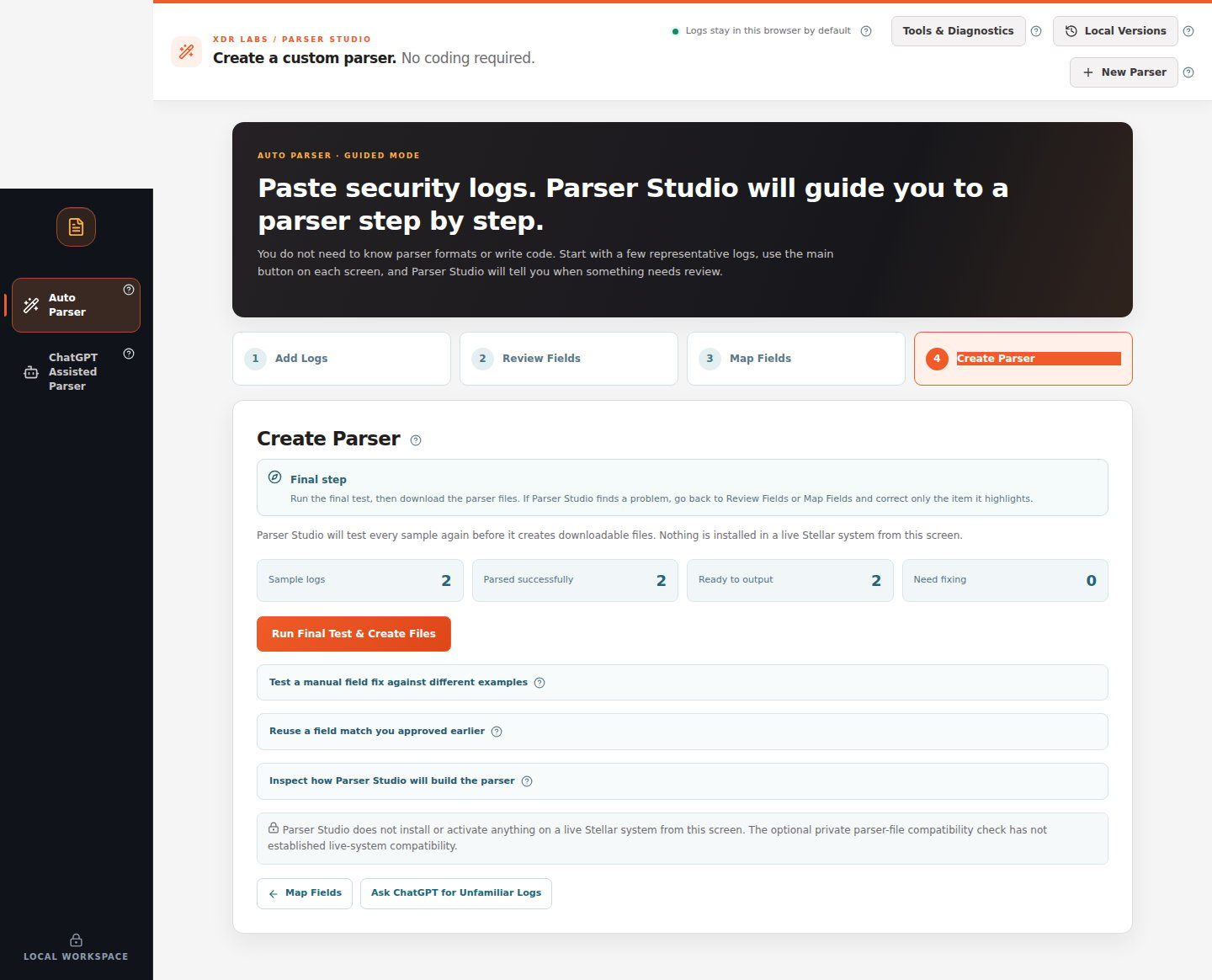
To finish a successful analysis
- Confirm Sample logs, Parsed successfully, Ready to output, and Need fixing.
- If Need fixing is 0, click Run Final Test & Create Files.
- Wait for the result. When generation succeeds, download the parser logic file and its matching
.confconfiguration file. You can also download a package if offered. - Keep those files together with your source sample and the field mapping decisions.
If nothing is downloaded
Do not keep pressing the button without reading the result.What do I actually receive?
A passing sample and downloadable draft mean the selected records and current generator checks succeeded. Test other representative log events before treating it as sufficient for your wider log population.